Touchscreen Repair Harrow: iPad, Tablet & Laptop Screen Fixes
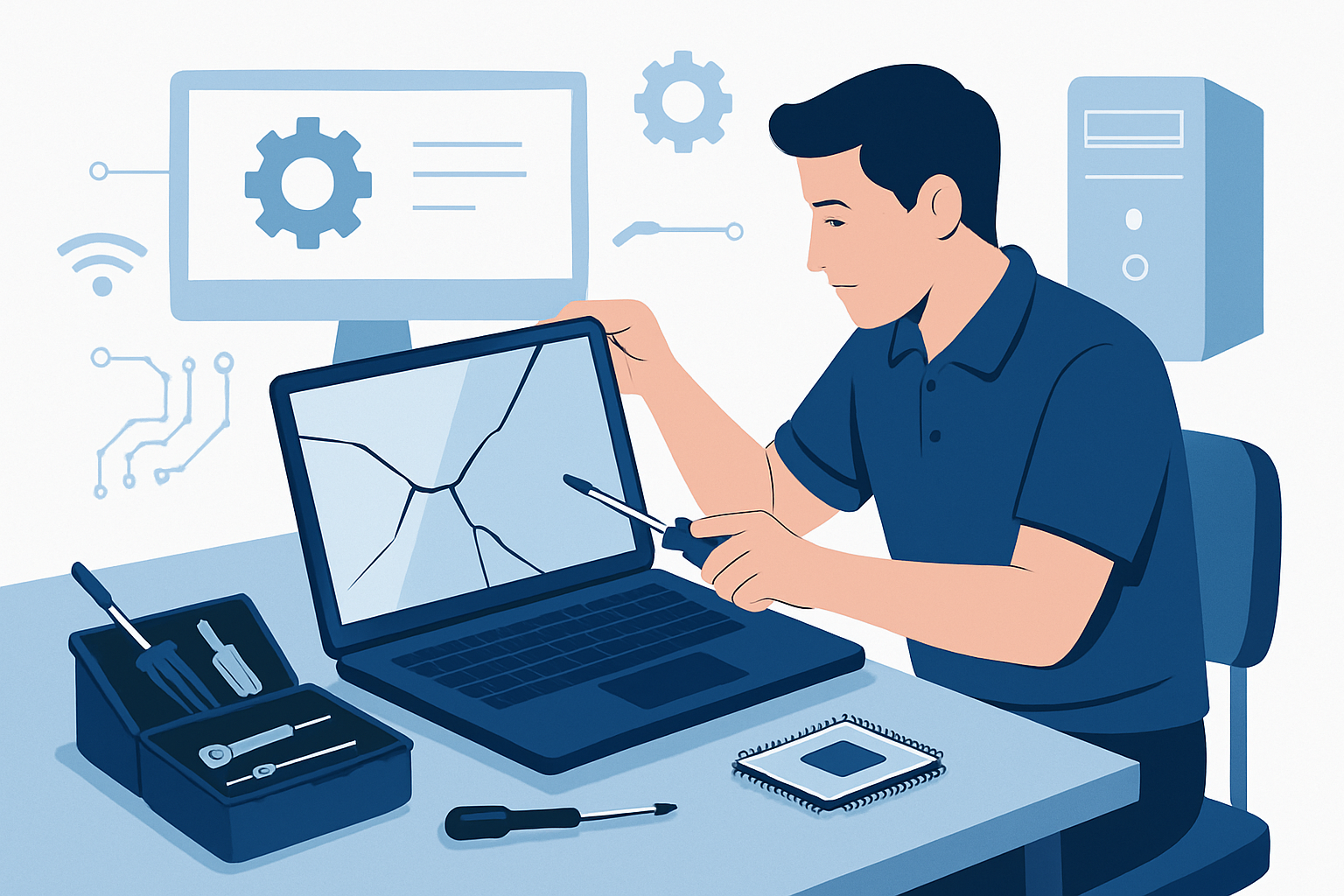
A cracked or unresponsive touchscreen can bring your work or entertainment to a standstill. Whether you’re dealing with a shattered iPad screen, a glitchy laptop touchscreen, or a tablet that won’t register your taps, we provide professional touchscreen repair services right here in Harrow. At Twisha Infotech, we understand how disruptive device damage can be, which is why we offer same-day repair options for most touchscreen issues. Our technicians work on all major brands and models, with transparent pricing starting from £75 plus parts for laptop screen replacements, and every repair backed by a 90-day warranty.
Common Touchscreen Problems We Fix in Harrow
Touchscreen technology has transformed how we interact with our devices, but it’s also created new repair challenges. Over the past years working with Harrow residents and local businesses, we’ve seen the full spectrum of touchscreen damage and malfunctions.
Physical damage remains the most common issue. Cracked screens, shattered glass, and impact damage from drops account for the majority of repairs we handle. Modern touchscreen digitizers are remarkably sensitive—even a small crack in the corner can cause the entire touch function to fail or behave erratically. iPads are particularly vulnerable due to their larger glass surface area, whilst convertible laptops like the HP Pavilion x360 or Lenovo Yoga series often suffer damage to both the screen and the hinge mechanism.

Ghost touch problems plague many touchscreen devices, especially after minor impacts or exposure to moisture. You’ll notice the screen registering taps you didn’t make, apps opening randomly, or the cursor moving without input. This typically indicates digitizer damage rather than screen damage, though both components often require replacement together.
Calibration issues can develop over time or after system updates. The touchscreen might work but require excessive pressure, only respond in certain areas, or register touches in the wrong location. Sometimes this is a software issue we can resolve remotely, but physical component degradation often requires hardware replacement.
Complete touch failure is frustrating but straightforward to diagnose. The screen displays perfectly, but no amount of tapping, swiping, or prodding produces any response. This usually points to a severed connection between the digitizer and the motherboard, or complete digitizer failure.
Water damage creates unique touchscreen problems—corrosion can cause intermittent failures that worsen over time. If your device has been exposed to liquid, even if it’s currently working, we recommend a diagnostic check to prevent sudden failure.
iPad and Tablet Screen Repair Services
iPads and Android tablets present specific repair challenges due to their construction. Unlike laptops with modular components, tablets use adhesive-bonded assemblies that require specialist tools and techniques to open without causing further damage.
We repair all iPad generations, from the original iPad and iPad Air models through to the latest iPad Pro with Liquid Retina display. Each generation uses different screen technologies—older iPads have separate glass and LCD layers, whilst newer models use fully laminated displays where the glass, digitizer, and LCD are bonded together. This affects both repair complexity and cost. For precise pricing on your specific iPad model, we’ll need to assess the device, but our screen replacement services maintain competitive rates for the Harrow area.
Android tablets including Samsung Galaxy Tab, Microsoft Surface, and Amazon Fire devices each have unique repair requirements. Surface tablets, for instance, use proprietary connectors and extremely strong adhesive that makes screen separation particularly challenging. We stock common replacement parts for popular models, enabling same-day repairs when you need them urgently.
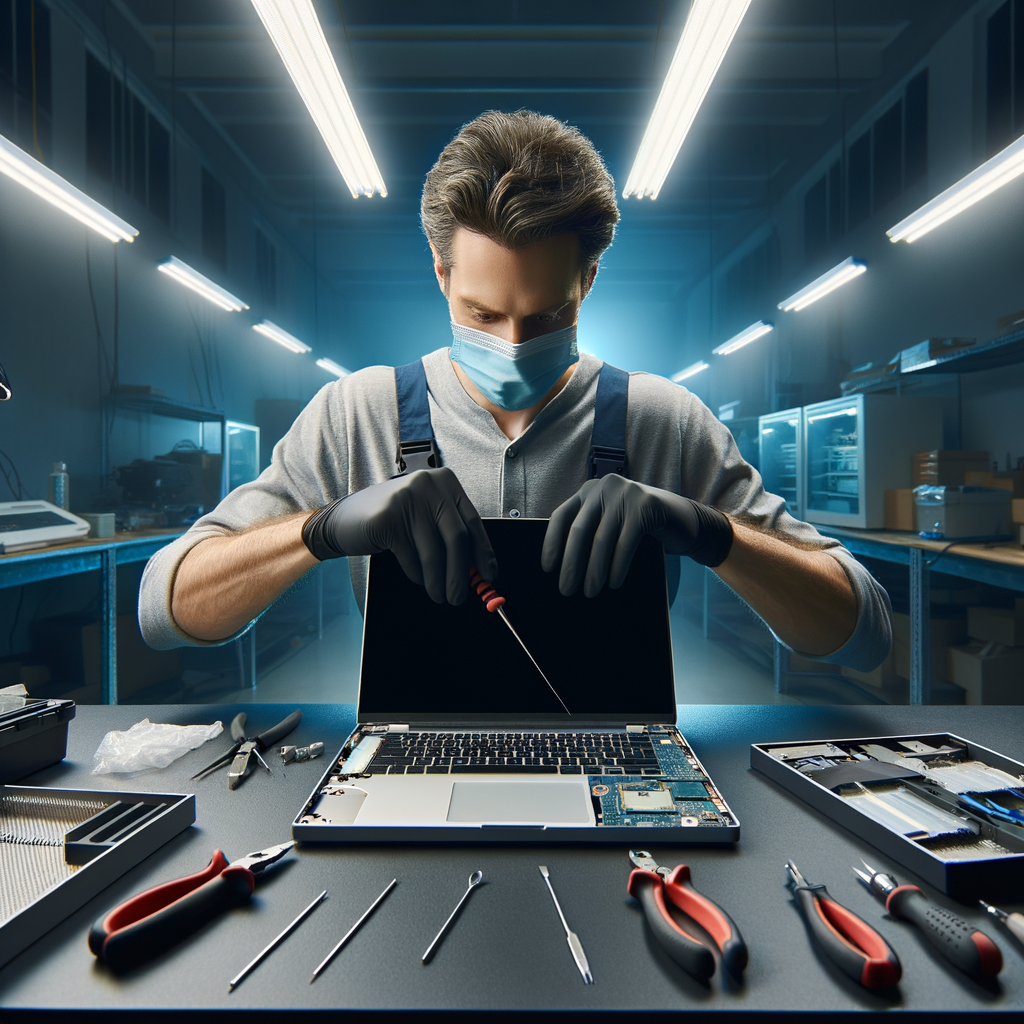
Tablet repairs require meticulous attention to detail. The thin profile and compact internal layout mean there’s little margin for error. Our technicians use precision heat application to soften adhesives, specialised prying tools to separate components without cracking them further, and proper shielding to protect sensitive internal components during the repair process.
After replacement, we thoroughly test touch responsiveness across the entire screen surface, check display quality, verify battery charging (as many tablets share screen and charging circuits), and ensure all sensors function correctly. Every repair comes with our standard 90-day warranty, giving you confidence in the quality of our work.
Laptop Touchscreen Repair and Replacement
Laptop touchscreen repairs involve additional complexity compared to traditional laptop screens. Modern touchscreen laptops integrate the digitizer into the screen assembly, and replacement requires careful handling of multiple ribbon cables and connectors.
We service all major laptop brands with touchscreen capability: HP Envy, Pavilion, and Spectre series; Dell Inspiron and XPS 2-in-1s; Lenovo Yoga, Flex, and ThinkPad X1 convertibles; ASUS ZenBook Flip models; Microsoft Surface Laptop and Surface Book; and Acer Spin series. Each manufacturer uses different screen attachment methods—some use adhesive strips, others employ magnetic attachments or frame clips.
The repair process begins with proper diagnosis. We determine whether the issue is the touchscreen digitizer, the LCD panel, both components, or potentially a motherboard connection problem. Many touchscreen laptops have separate video and touch controller circuits on the motherboard, and occasionally the fault lies there rather than in the screen assembly itself. This diagnostic step saves you money by ensuring we replace only the faulty components.
Laptop screen replacement including touchscreen functionality starts from £75 plus the cost of parts. The parts cost varies significantly based on your laptop model—a standard 13.3″ 1080p touchscreen assembly might cost £80-120, whilst a 15.6″ 4K touch-enabled display for a premium ultrabook could be £200-300. We always provide a complete quote before proceeding with any work.
Replacement typically takes 2-4 hours depending on laptop model complexity. Some ultrabooks require almost complete disassembly to access screen mounting points, whilst others have removable bezels that provide direct access to the screen. We test all functionality after installation: touch responsiveness, stylus input (where applicable), brightness adjustment, rotation sensors, and hinge operation for convertible models.
Our Touchscreen Repair Process in Harrow
We’ve refined our repair process to minimize your downtime whilst ensuring quality results. Here’s exactly what happens when you bring a device to our Harrow location at 204 High Road, HA3 7BA.
Step 1: Free diagnostic assessment. We examine your device, test the touchscreen functionality, and identify the root cause of the problem. This diagnostic is genuinely free with no obligation to proceed. We’ll explain what’s wrong in plain English, not technical jargon.
Step 2: Transparent quote. Once we’ve identified the issue, we provide a complete written quote covering parts and labour. This quote is fixed—no surprise charges when you collect your device. If you have specific budget constraints, let us know and we can sometimes suggest alternative solutions, such as refurbished parts instead of brand-new components.
Step 3: Repair authorization. If you’re happy to proceed, we’ll give you an estimated completion time. For standard screen replacements where we have parts in stock, same-day completion is usually possible if you drop off before midday. More complex repairs or uncommon devices requiring ordered parts might take 2-3 working days.
Step 4: Professional repair. Your device is handled by experienced technicians in our Harrow workshop. We use ESD-safe workstations, proper lighting, and appropriate tools for each device type. All repairs follow manufacturer guidelines where applicable.
Step 5: Quality testing. After the physical repair is complete, we run comprehensive tests. For touchscreens, this includes checking responsiveness across all areas, testing multi-touch gestures, verifying stylus input where relevant, and ensuring proper calibration. We also check that the repair hasn’t affected other functions like webcams, microphones, or WiFi antennas that are often routed through the screen assembly.
Step 6: Collection and warranty. We’ll call you when your device is ready. At collection, we demonstrate that everything works correctly and provide care instructions to help prevent future damage. You’ll receive documentation of the repair and warranty details. Our 90-day warranty covers the replacement parts and the repair work itself—if the same issue recurs within 90 days, we’ll fix it at no additional charge.
You can contact us at 07767 932880 during business hours (Monday to Friday, 9am-5pm) or request a free IT support quote online at any time.
Preventing Future Touchscreen Damage
Whilst we’re always here to repair your devices, preventing damage in the first place saves you time and money. Based on the repairs we see regularly in our Harrow workshop, here are practical steps that genuinely reduce touchscreen damage risk.
Use a quality screen protector. Tempered glass screen protectors absorb impact energy that would otherwise crack your actual screen. We’ve seen numerous cases where a device survived a significant drop because the screen protector shattered instead of the display. For iPads and tablets, this is particularly important. Choose protectors that are cut precisely for your device model to avoid interfering with touch sensitivity or oleophobic coatings.
Invest in a protective case. Not a decorative skin—an actual protective case with raised edges that extend beyond the screen surface. When your device lands face-down, those raised edges prevent the screen from making direct contact with the ground. For convertible laptops, cases that protect both tablet and laptop modes are available.
Avoid extreme temperatures. Cold temperatures can make glass more brittle and susceptible to cracking. Don’t leave your iPad in a cold car overnight, and be careful when bringing a cold device into a warm room (condensation can damage internal components). Extreme heat can degrade the adhesive bonding touchscreen layers together, potentially causing separation or air bubbles.
Handle with clean, dry hands. Oils, lotions, and moisture can gradually degrade oleophobic coatings, whilst gritty particles on your fingers can cause micro-scratches that accumulate over time. Keep a microfiber cloth handy for regular cleaning—we recommend cleaning touchscreens weekly with appropriate screen-safe cleaning solution.
Be cautious around water. Even “water-resistant” devices aren’t waterproof. The touchscreen and digitizer connections are vulnerable points where moisture can enter. If your device does get wet, power it off immediately and bring it to us for inspection rather than trying the rice-in-a-bag method, which rarely works and wastes valuable time.
Update software regularly. Sometimes touchscreen issues are software-related rather than hardware problems. Keeping your operating system and drivers updated can prevent ghost touch problems and calibration issues. If you need help with software upgrades, we offer this service for a fixed £55 fee.
Frequently Asked Questions
How much does touchscreen repair cost in Harrow?
Laptop touchscreen replacement starts from £75 plus parts, with the total cost depending on your specific device model and screen specifications. We provide a complete written quote after our free diagnostic assessment, so you’ll know the exact price before we begin any work. Call 07767 932880 for a quote based on your device.
Can you repair just the glass or does the whole screen need replacing?
For most modern devices, the touchscreen digitizer is bonded to the LCD panel, requiring replacement of the entire assembly. Attempting to separate and replace only the glass layer often causes damage to the LCD and typically isn’t cost-effective. We’ll assess your specific device and recommend the most economical repair approach during diagnosis.
How long does touchscreen repair take?
Same-day repair is available for most common devices if you drop off before midday Monday–Friday. The actual repair time is typically 2-4 hours, but we may need to order parts for less common devices, which could extend the timeframe to 2-3 working days. We’ll give you an accurate estimate when you book.
Is touchscreen repair covered by warranty?
Manufacturer warranties typically don’t cover accidental damage like cracked screens. However, all our touchscreen repairs come with a 90-day warranty covering the replacement parts and our workmanship. If the same issue recurs within 90 days due to a fault in the repair, we’ll fix it at no additional charge.
Will I lose my data during touchscreen repair?
Screen replacement doesn’t require any changes to your device’s storage, so your data remains intact. However, we always recommend backing up important data before any repair as a precaution. If you need help with backups or data recovery services, we can assist with that as well.
Book Your Touchscreen Repair Today
Don’t let a damaged touchscreen slow you down. Whether you’re in Harrow, Wealdstone, Pinner, Stanmore, or anywhere in North London, Twisha Infotech provides professional touchscreen repair services with same-day availability and transparent pricing. Our workshop at 204 High Road is easily accessible, and we’re ICO registered (C1939169) for your data protection peace of mind. Contact us at 07767 932880 Monday–Friday 9am–5pm, or request your free quote online anytime. All repairs include our 90-day warranty, so you can trust the quality of our work.
Get Expert Help Today
Free quote — we respond within 1 hour during business hours.